AI transcription crossed the human-parity line in 2024 and the tools have only gotten cheaper and faster since. In 2026, you can transcribe an hour of audio in under sixty seconds for free. The question is no longer 'can AI transcribe?' — it's 'which AI transcription tool fits my workflow?' We benchmarked seven leading tools on the same five test files (interview, lecture, multi-speaker podcast, noisy field recording and accented English).
Benchmark criteria
- Word error rate (WER) on each test file
- Speaker diarization quality
- Languages supported
- Max file length and concurrent jobs
- Free tier vs paid pricing
- Export formats (TXT, SRT, VTT, DOCX, JSON)
1. SnapFetch Transcript Tools (best free tier)
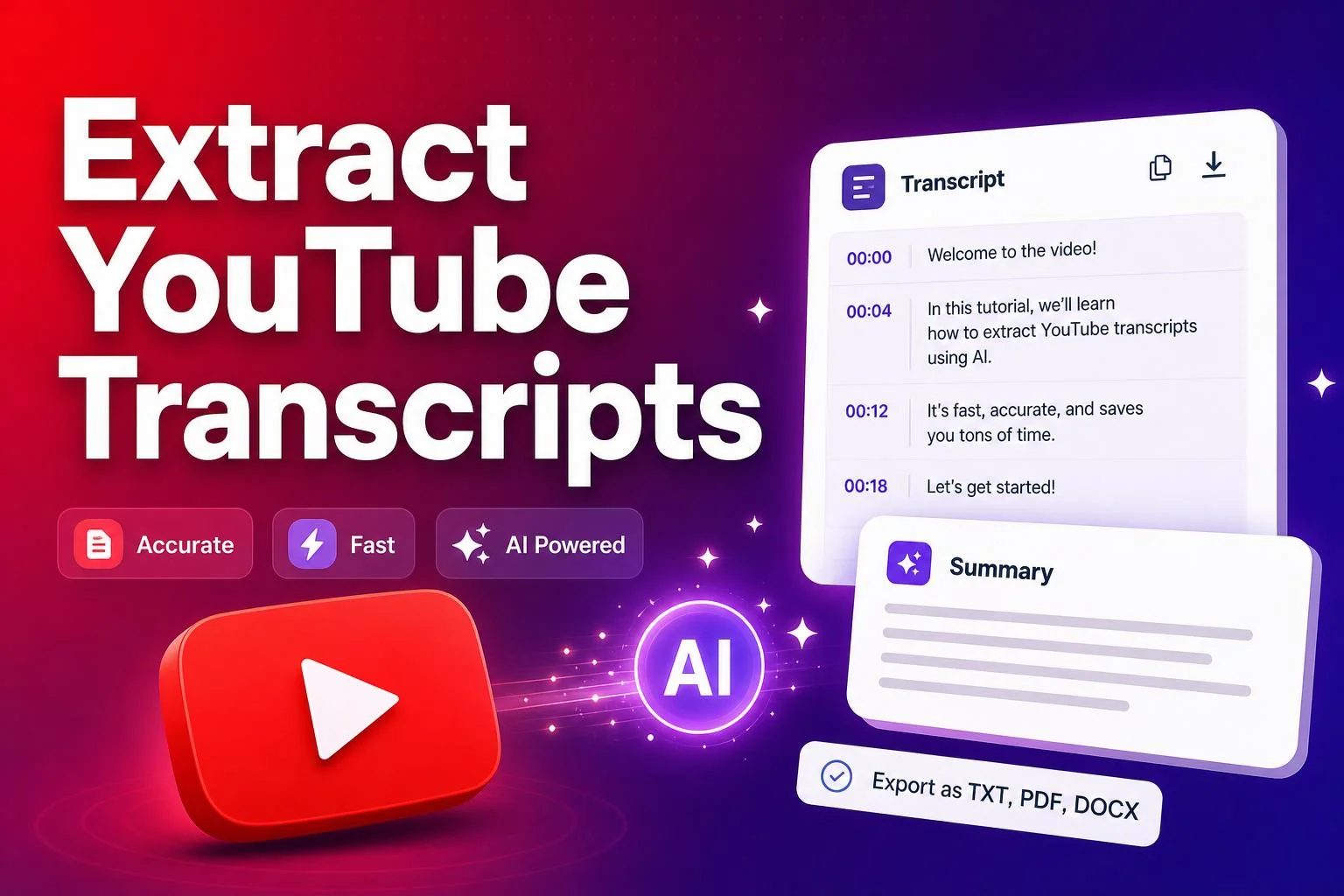
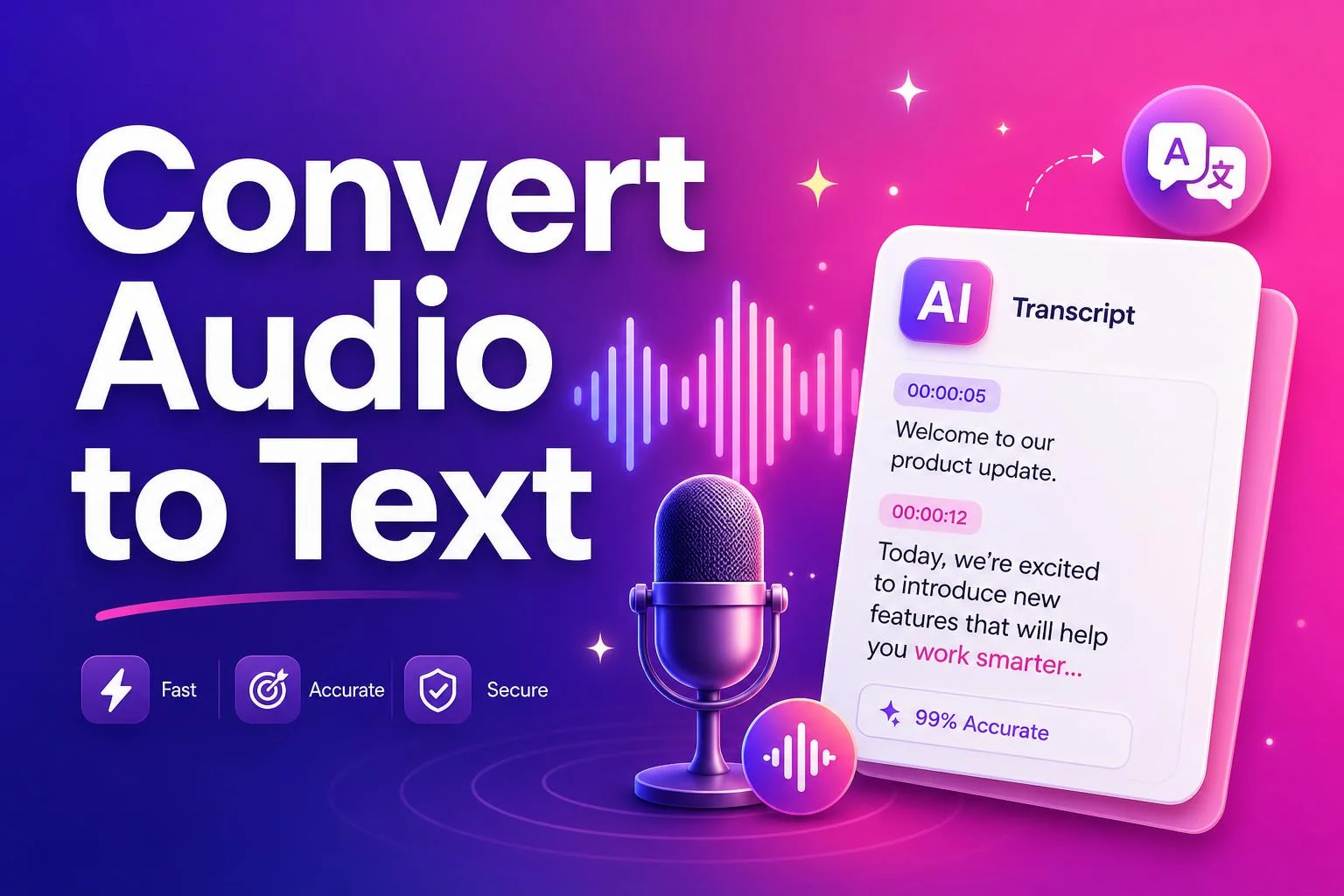
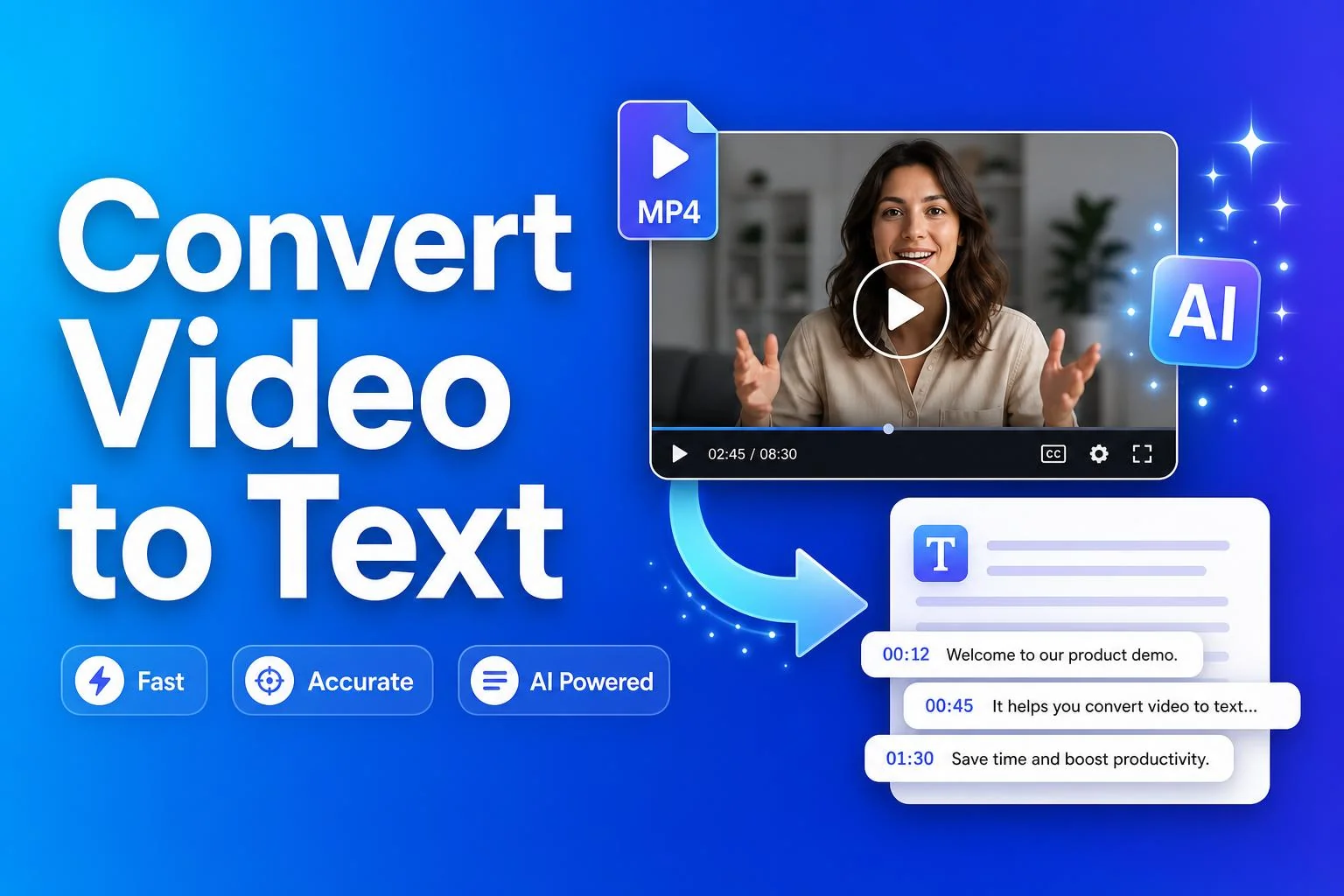
Our YouTube Transcript Generator, Audio to Text Converter and Video to Text Converter all run on the latest Whisper-class models. WER on clean audio is under 5%, free tier is unlimited for short files, and export covers TXT, SRT and VTT for captioning workflows.
Free, no signup, supports YouTube URLs, MP3, MP4, WAV and most video formats.
2. Otter.ai (best for meetings)
Otter remains the gold standard for live meeting transcription. Real-time captions, automatic Zoom integration, decent speaker labels. Free tier is now capped at 300 minutes/month — fine for solo creators, restrictive for teams.
3. Descript (best for editing video by editing text)
Descript's killer feature is still 'edit the transcript to edit the video' — delete a word in the doc and the video cuts it. Transcription accuracy is competitive; the real value is the editor.
4. HappyScribe & TurboScribe (best for bulk batch)
Both target the 'I have 200 hours of audio' workflow. TurboScribe is cheaper; HappyScribe has better human-review options. Use either when you need a real SLA on accuracy.
5. OpenAI Whisper API (best for developers)
If you're building an app, Whisper API is unbeatable on price and quality. Bring your own audio file, pay per minute, get back JSON with timestamps. No UI — that's the point.
The 2026 creator transcript workflow
- Record or download the source video
- Run it through an AI transcript tool
- Edit the transcript into a blog post or LinkedIn carousel
- Export SRT and burn captions back onto the video
- Repurpose across 4–5 platforms
Ready to try it yourself?
Jump straight into the tool — free, no sign-up.
Recommended AI tools
SponsoredPower up your workflow with these hand-picked AI products.
Frequently asked questions
Creator resources
SponsoredApps and services trusted by full-time creators.