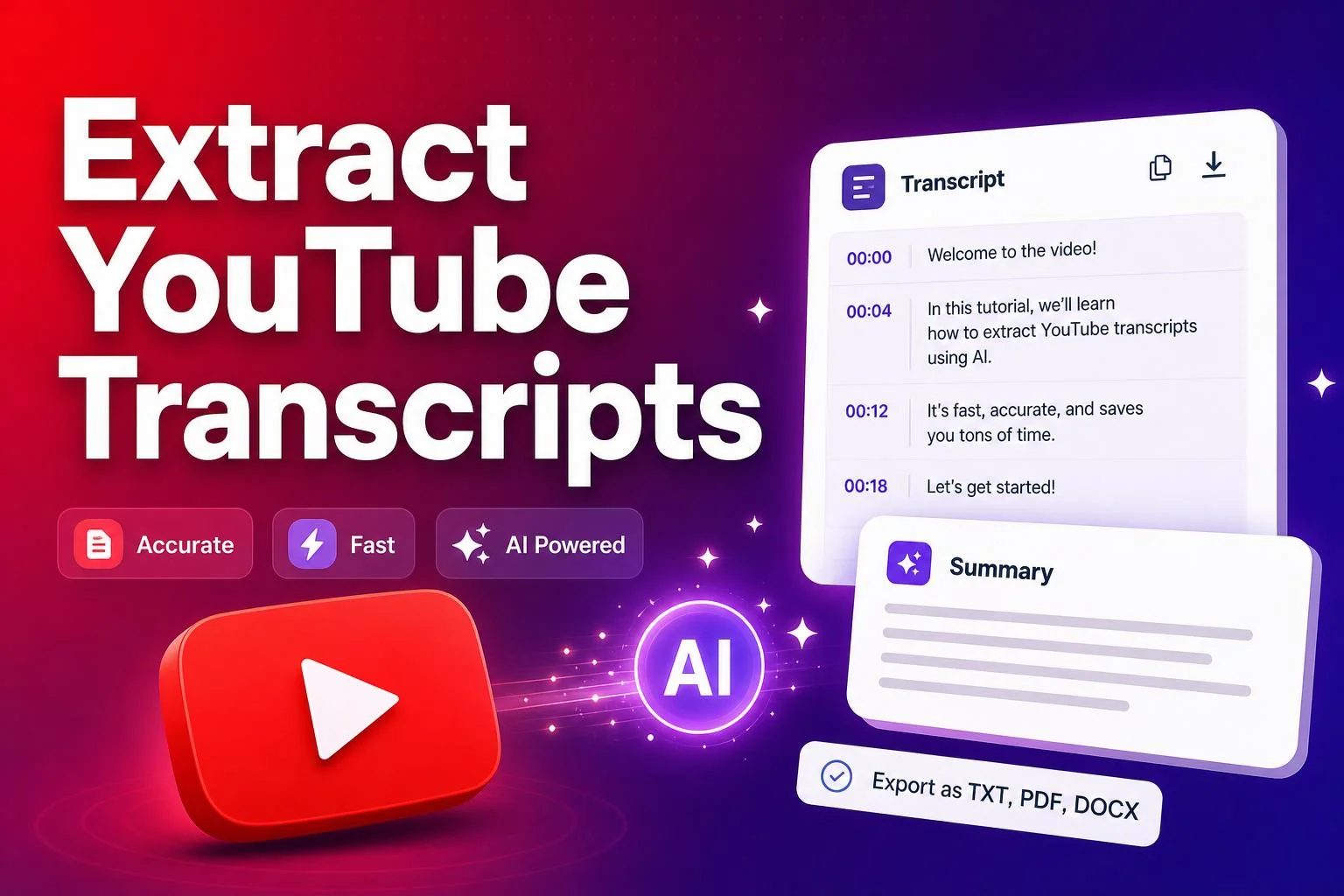
YouTube transcripts are one of the most underused creator resources on the platform. Whether you're a researcher, a content repurposer, a podcaster building show notes, or a marketer extracting quotes for social media, a reliable YouTube transcript generator saves hours of manual typing. This guide walks through exactly how to extract captions, subtitles and full transcripts from any public YouTube video using free online tools — no software, no signup, no API keys.
Why creators and researchers extract YouTube transcripts
Every public YouTube video with captions contains a hidden text track that most viewers never see. That track is a goldmine for anyone who repurposes video into other formats. Transcripts let you quote speakers verbatim, build SEO-rich blog posts from video content, create accurate subtitles in other languages, and scan long videos for key moments without watching every second.
For podcasters and interviewers, a YouTube transcript generator turns a 45-minute conversation into searchable text in under a minute. For students and researchers, it produces citeable quotes without manual transcription. For social media managers, it extracts hooks and soundbites for Twitter threads and LinkedIn carousels.
How to generate a YouTube transcript in seconds
- Copy the URL of any public YouTube video from your browser or the share menu.
- Open SnapFetch's YouTube Transcript Generator.
- Paste the URL into the input field and click Extract.
- The tool fetches the official caption track, cleans it, and displays the full transcript.
- Toggle timestamps on or off, then copy the text or download it as a .txt or .docx file.
Plain text vs timestamped transcripts
SnapFetch outputs transcripts in two formats. Plain text is perfect for blog posts, articles, and social copy — it's clean, readable, and free of timestamps. Timestamped mode includes minute markers next to every line, which is ideal for researchers who need to cite specific moments, editors building chapter lists, or viewers who want to jump back to a key quote in the original video.
Creative ways to use YouTube transcripts
- Repurpose long videos into SEO blog posts by pasting the transcript into an editor and adding headings.
- Build show notes for podcasts by extracting timestamps and speaker quotes automatically.
- Translate content into other languages by starting with a clean English transcript.
- Create Twitter threads and LinkedIn posts from the most quotable moments.
- Train your own writing voice by studying how top creators structure their spoken sentences.
Ready to try it yourself?
Jump straight into the tool — free, no sign-up.