Audio transcription is the invisible engine behind every podcast show note, every interview article, and every meeting recap. Until recently, turning speech into text meant either expensive human transcription services or clunky desktop software. Today, AI-powered audio to text converters can process an hour of clear speech in minutes — for free, in your browser, with no installation. This guide explains how the best audio transcription tools work, which formats they support, and how creators can build them into daily workflows.
How AI audio transcription works
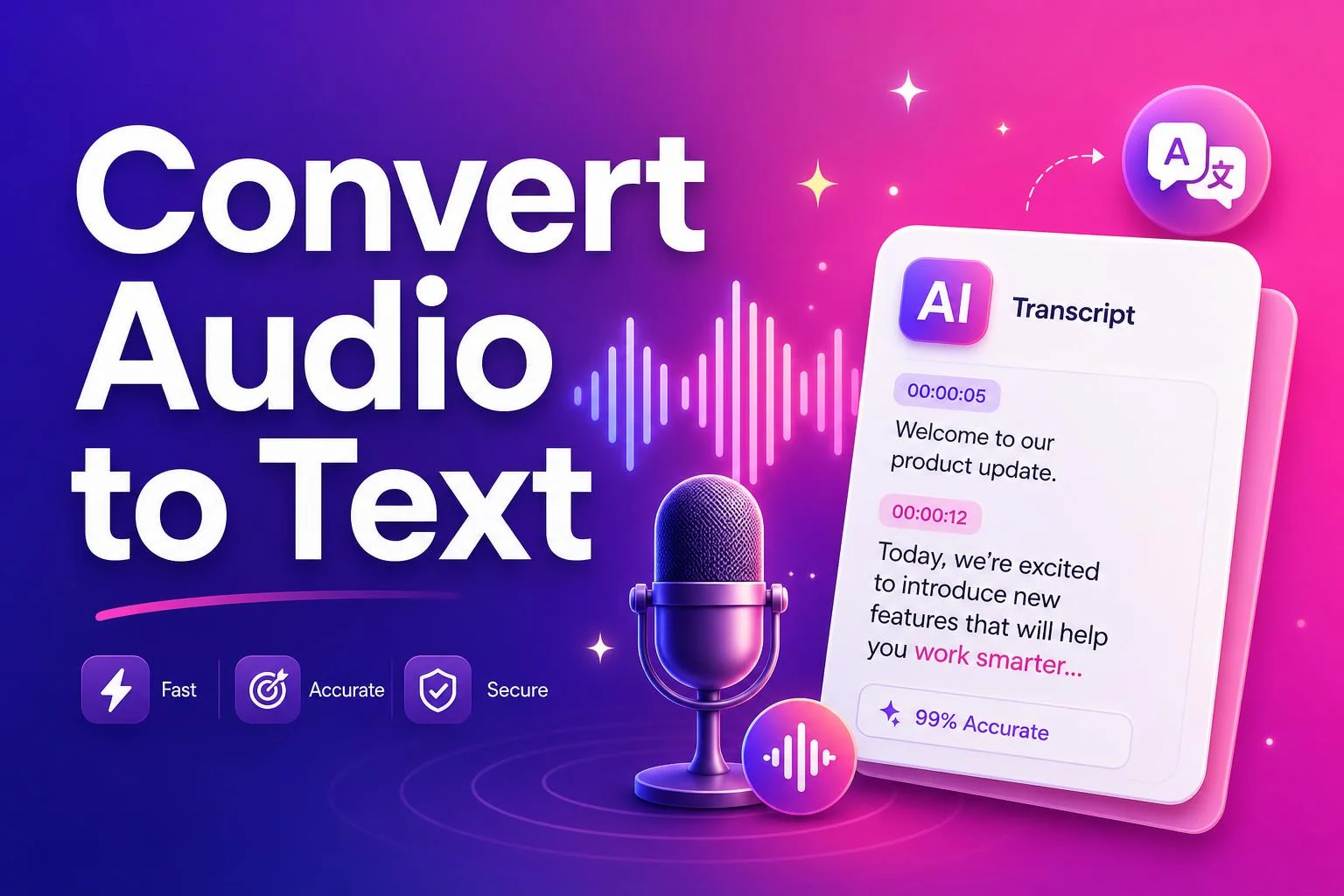
Modern audio to text converters use deep-learning speech recognition models trained on millions of hours of spoken language. When you upload an MP3, WAV or M4A file, the tool splits the audio into short segments, extracts acoustic features, and runs them through a neural network that predicts the most likely words. The result is then reassembled into punctuated paragraphs that read like a human typed them.
The entire process happens server-side over HTTPS. Your file is never stored permanently — it's processed in-memory and discarded immediately after the transcript is returned. That makes browser-based transcription both faster and more private than desktop alternatives that cache files locally.
Supported audio formats
SnapFetch's Audio to Text Converter supports MP3, WAV, M4A, AAC and OGG files. MP3 is the most common format for podcasts and voice memos. WAV delivers the highest quality and usually produces the most accurate transcripts, but files are larger. M4A is the default for iPhone voice memos and most mobile recordings. If your file is in a different container, a quick conversion to MP3 usually solves it.
Accuracy and best practices
- Use a high-quality source recording. Clear speech with minimal background noise produces the best results.
- Keep the speaker close to the microphone. Distance reduces clarity and increases error rates.
- For interviews, separate speakers with distinct microphones if possible. Cross-talk is the hardest scenario for any transcription model.
- Review the transcript for proper nouns and brand names. AI models sometimes guess phonetically on uncommon names.
- Break very long files into 30-minute chunks if you notice quality degradation on extended recordings.
A creator workflow with audio transcription
The most productive creators treat transcription as an automatic step, not a manual task. Record your podcast or interview, upload the file immediately after recording, and paste the transcript into your editor while the audio is still fresh in your mind. From there, extracting quotes, writing show notes, and pulling social clips takes minutes instead of hours.
Ready to try it yourself?
Jump straight into the tool — free, no sign-up.