Value Added Tax (VAT) is the UK and EU equivalent of sales tax — but unlike US sales tax, VAT is already included in shelf prices. This guide explains how VAT actually works, when to add it and when to remove it, and how to use a free VAT calculator for invoices, expenses and pricing.
What is VAT?
VAT is a consumption tax charged at every stage of the supply chain. Each business charges VAT on its sales and reclaims the VAT it paid on its purchases — the end consumer effectively pays the full tax.
Unlike US sales tax, VAT is built into the price you see on the shelf. That changes how you calculate it: sometimes you need to add VAT to a net price, sometimes you need to extract VAT from a gross price.
Add VAT to a net price (net → gross)
Use this when you have a price without VAT (a net price) and need to invoice or display the price with VAT.
Formula: VAT = Net × (Rate ÷ 100). Gross = Net + VAT.
Example: a £100 net price at 20% UK VAT. VAT = £20. Gross price = £120.
Remove VAT from a gross price (gross → net)
Use this when you have a price including VAT (a gross price) and need the net amount for accounting or expense claims.
Formula: Net = Gross ÷ (1 + Rate ÷ 100). VAT = Gross − Net.
Example: a £120 gross price at 20% UK VAT. Net = £120 ÷ 1.20 = £100. VAT = £20.
A common mistake: subtracting 20% from a gross price does NOT give the net price. £120 − 20% = £96, not £100. Always divide by 1 + rate.
Standard VAT rates around Europe (2026)
- United Kingdom: 20% standard, 5% reduced, 0% on food and children's clothing
- Germany: 19% standard, 7% reduced
- France: 20% standard, 10% / 5.5% / 2.1% reduced
- Italy: 22% standard
- Spain: 21% standard
- Ireland: 23% standard
- Netherlands: 21% standard, 9% reduced
VAT for freelancers and small businesses
Most countries set a turnover threshold below which VAT registration is optional. Once registered, you must add VAT to invoices, file regular VAT returns and can reclaim VAT on business purchases.
Calculating the right gross and net amounts is essential — under-charging VAT to a client means paying it out of your own margin. A VAT calculator removes the guesswork from every invoice.
Use our free VAT calculator
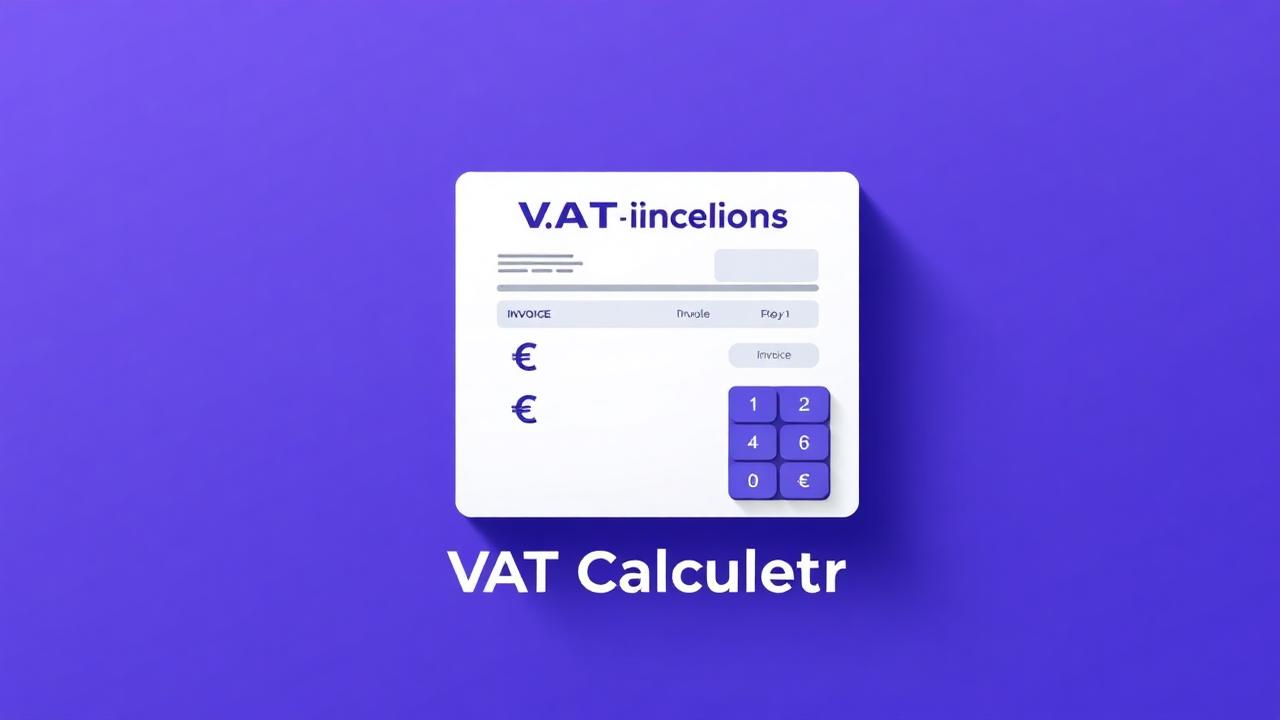
SnapFetch's free VAT calculator handles both directions: enter a net price to add VAT, or a gross price to extract it. Switch rates instantly for the UK, Germany, France or anywhere else.
Try our free VAT calculator for your next invoice or expense claim.
Ready to try it yourself?
Jump straight into the tool — free, no sign-up.
Recommended AI tools
SponsoredPower up your workflow with these hand-picked AI products.
Frequently asked questions
Creator resources
SponsoredApps and services trusted by full-time creators.